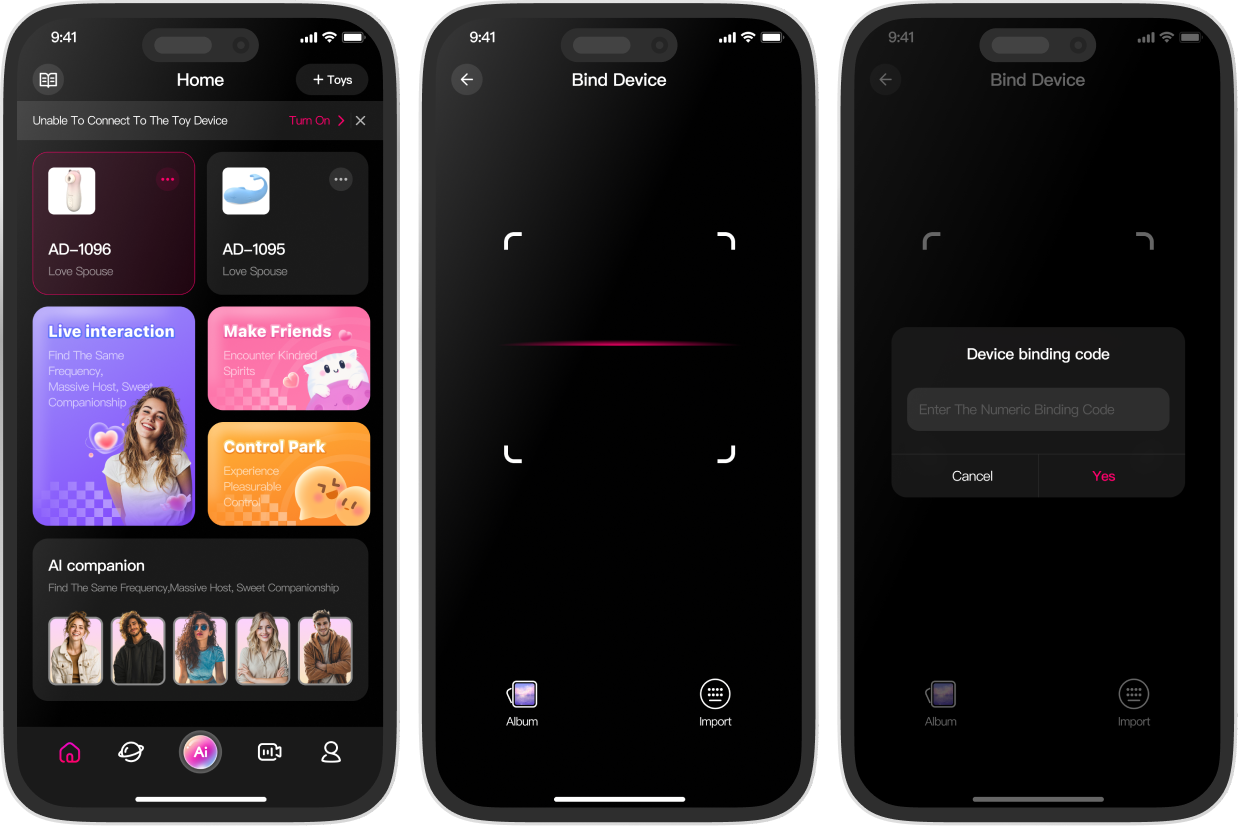
Bind Device
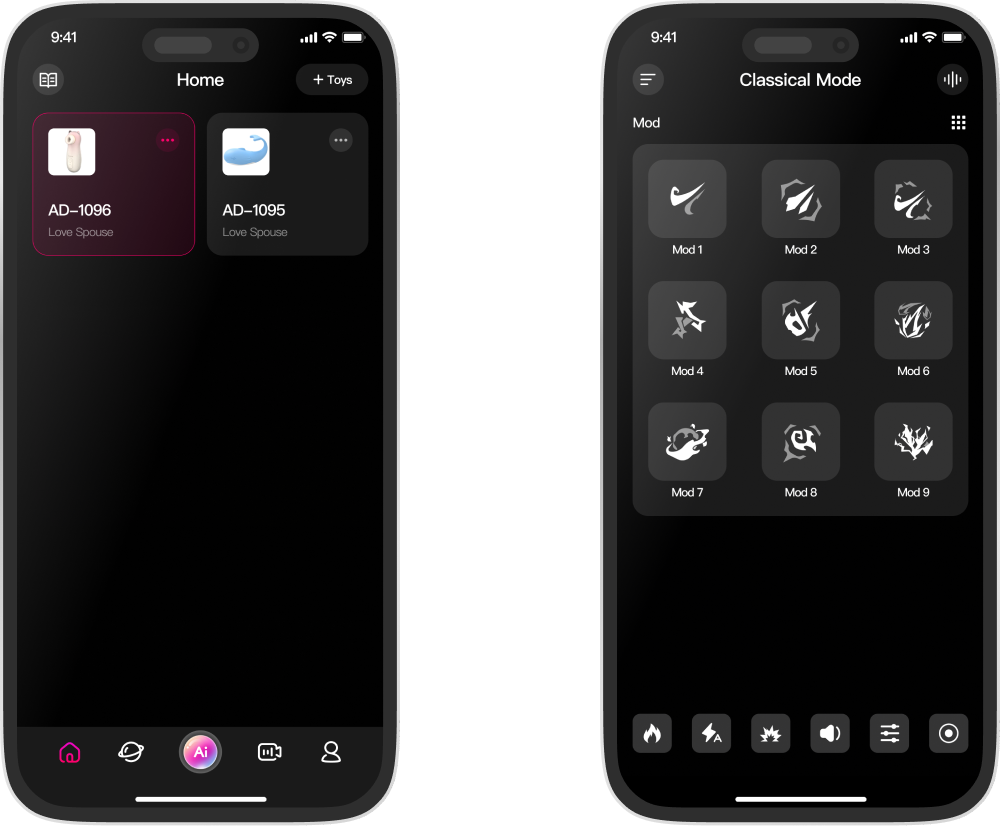
Click The + Sign To Bind The Device Click Enter Device Code Display Device - Binding Successful.
Single Player Mode
Multiplayer Mode
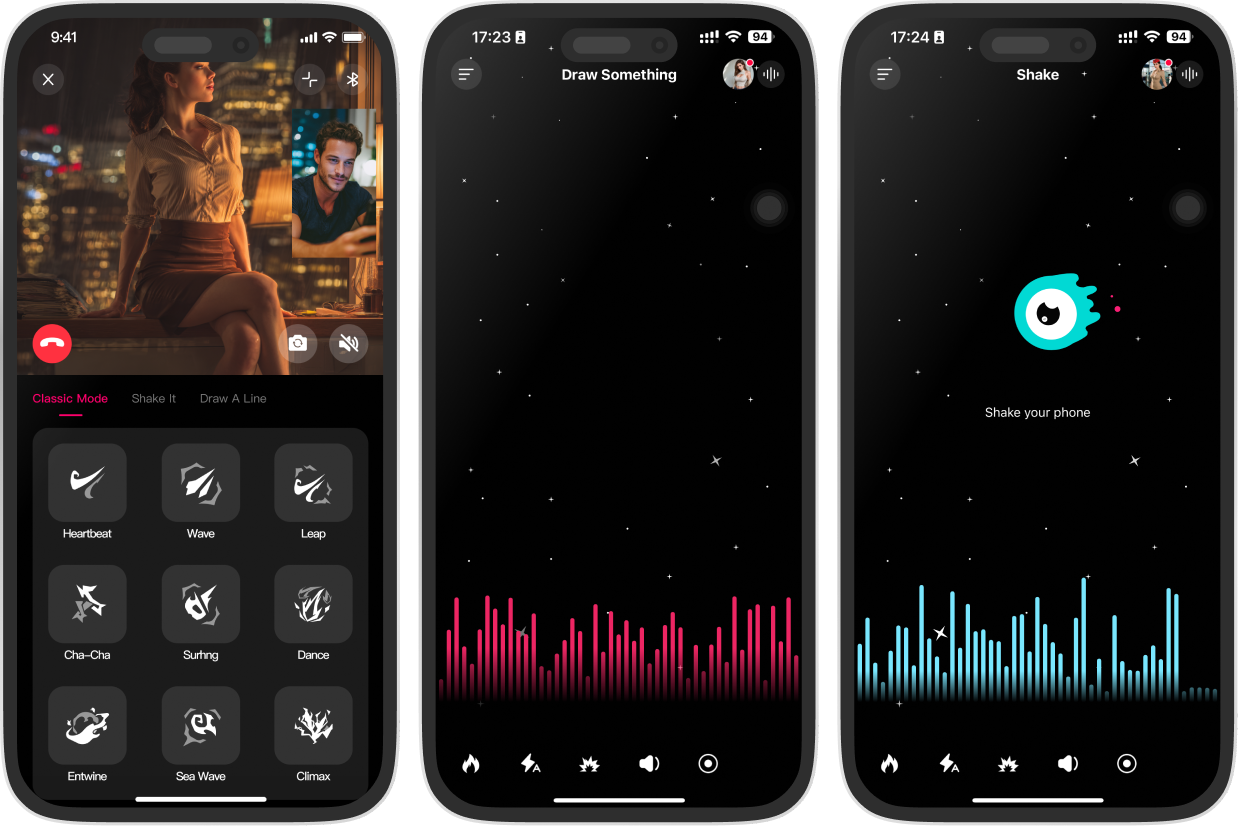
Classical Mode
Bind the device according to the binding code or two-dimensional code.
(1) Click any icon on the app and the device will start the corresponding vibration frequency. At the same time, the icon on the app will flash, click this icon again, the device will stop vibrating and enter the standby state, and the app icon will also stop flashing.
(2) Some dual-motor devices have two groups of nine grids that can be started at the same time by selecting an icon in each group.
(3) There is a flame pattern on the corner of the stone of some equipment to represent the heating function, and the lightning icon is the discharge function. Click to start and click to stop again.
Game Mode
Game mode
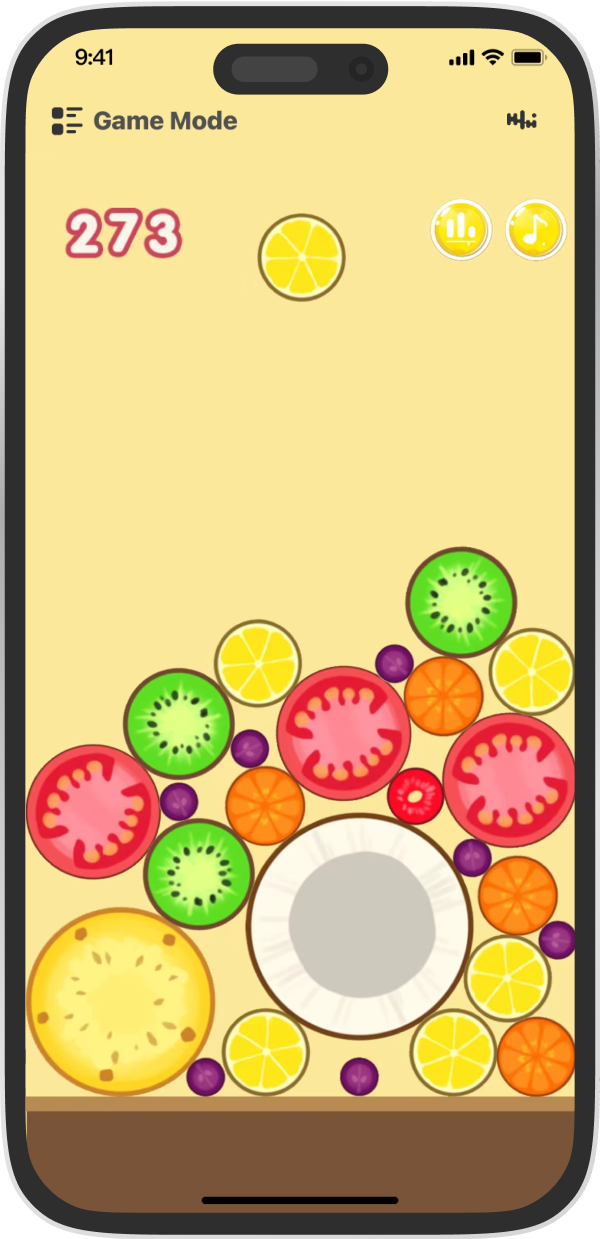
Click to start the game, players click on the screen will have fruit drop, two identical fruits collide to synthesize a larger fruit and accumulate scores to finally reach the ultimate fruit form. In the process, the fruit that cannot be synthesized accumulates, crosses the red line at the top of the screen, and the game ends. Combined with the equipment, the equipment vibrates each time the new fruit is synthesized, and the vibration of different intensity is corresponding to the level of synthesis.
Video Mode
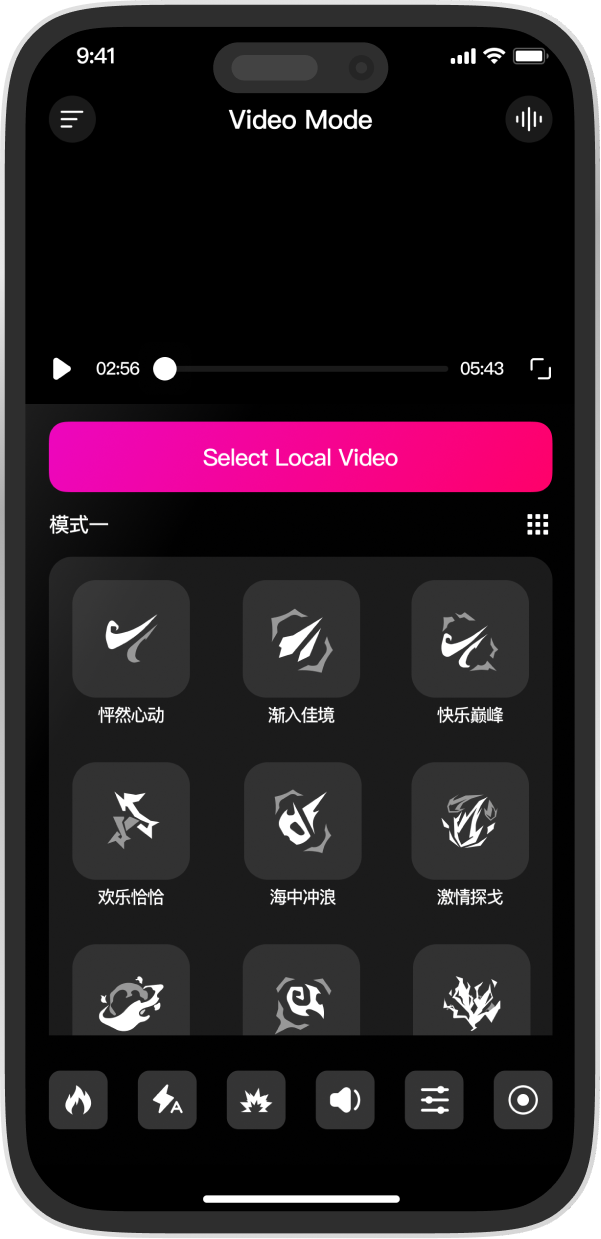
Video mode first save the video to your mobile phone album, enter the video mode, select the local file icon, import the mobile phone album video, click the control button in the middle to play or pause. The device will vibrate according to the progress of the video or directly click the mode button below to control.
Musical Pattern
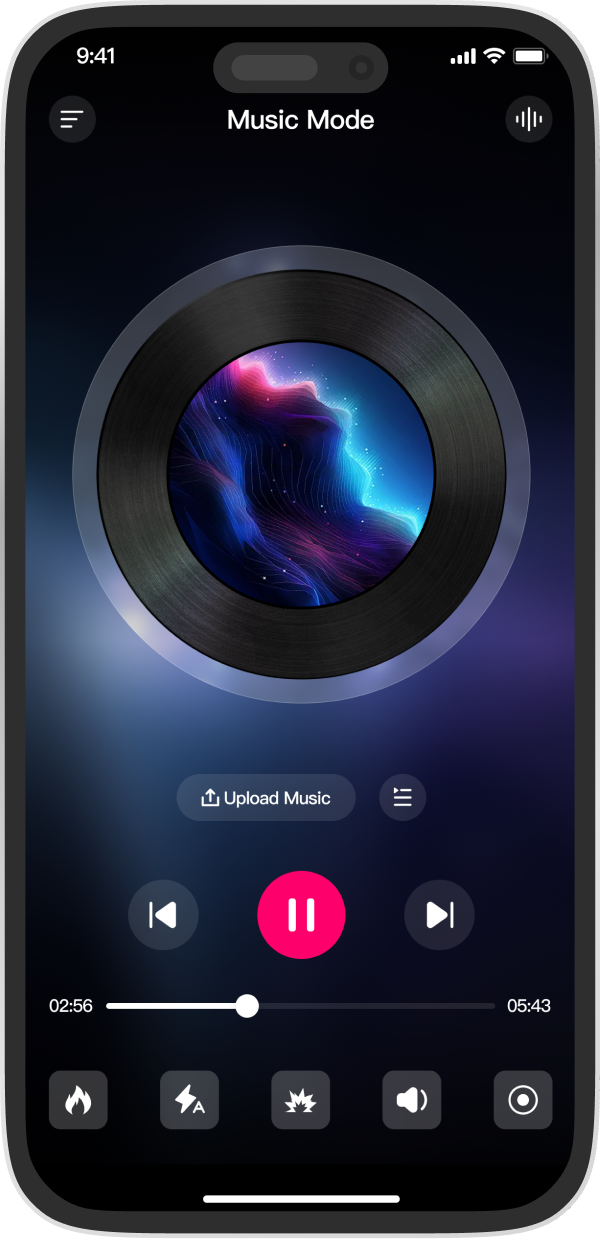
Musical patternUpload the music files you need with your computer's browser, and the device will dance according to the music under the same wifh network.
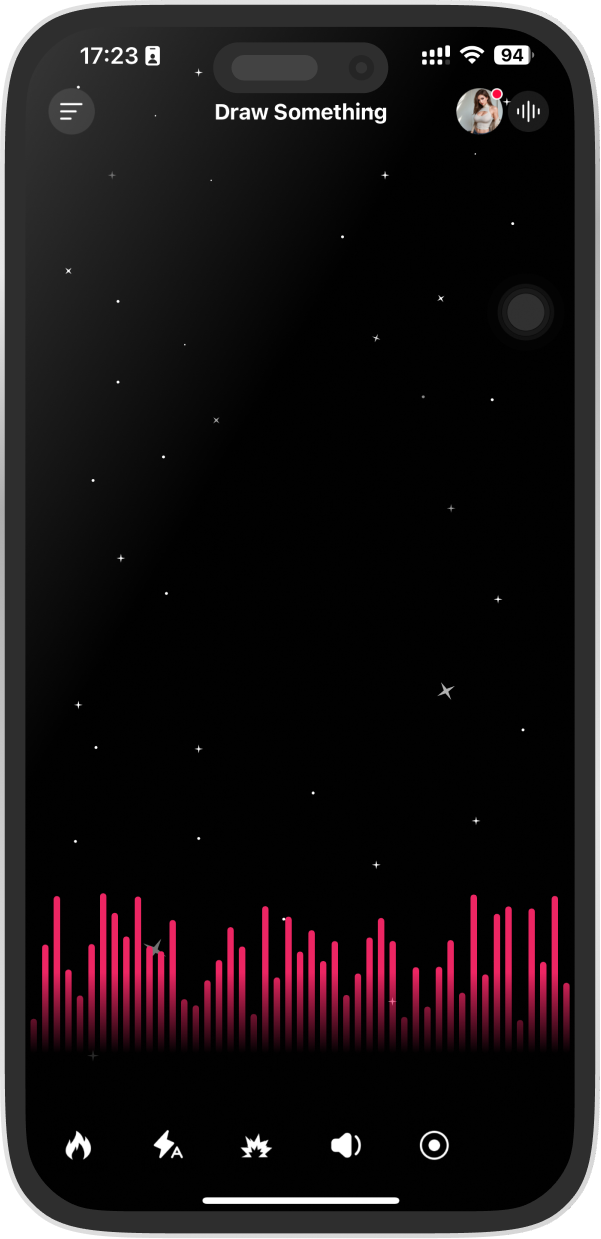
Draw A Line
Stroke to enter the stroke mode, finger stroke screen can make the device work, the finger does not leave the screen can continue to vibrate. After the operation is complete, you can choose to save the current frequency and play it directly when you enter this mode next time.
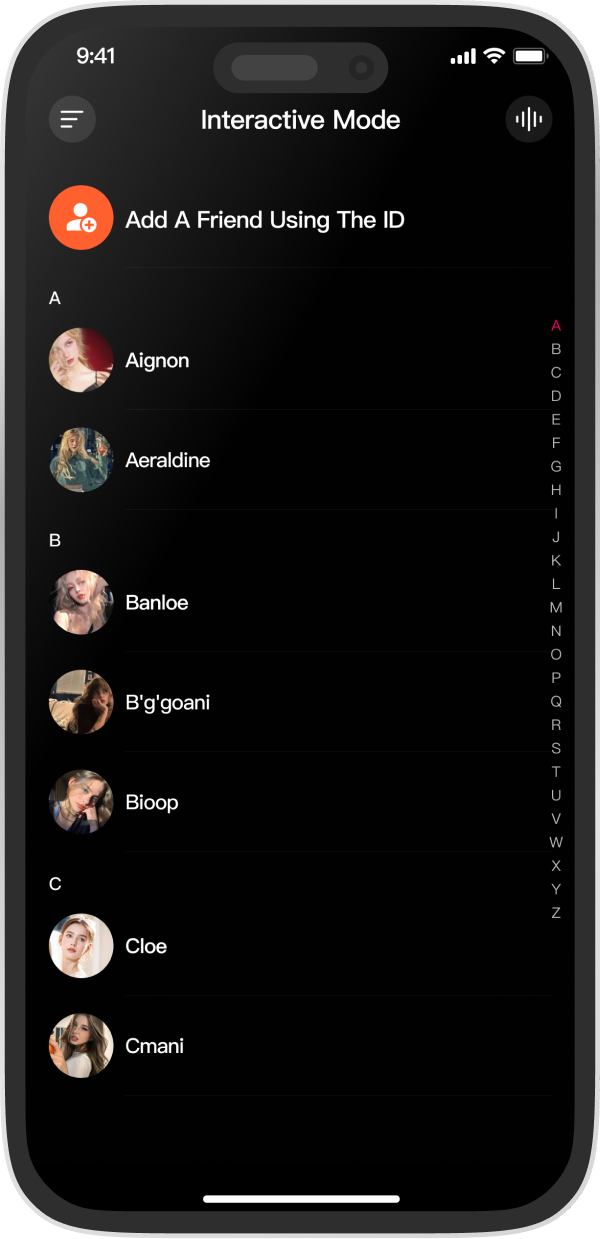
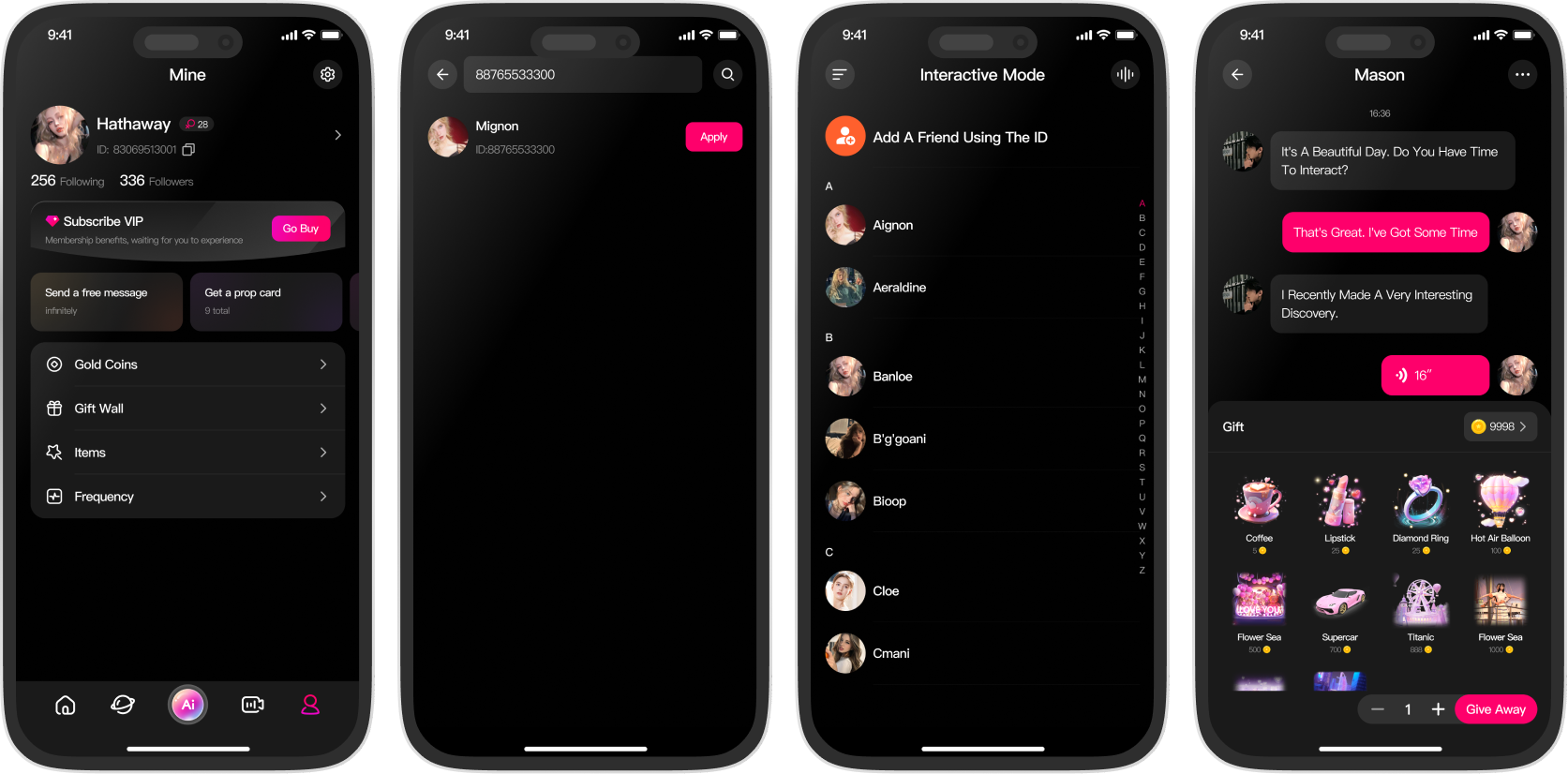
Interactive Mode
Interactive mode can initiate remote interactive voice/video/controller with friends.